-
Type:
Bug
-
Resolution: Fixed
-
Priority:
 Minor - P4
-
Affects Version/s: 1.17.0-beta.5
-
Component/s: Table View
-
None
-
Environment:Windows 10 64 Bit Pro
-
Iteration Bison, Iteration Cat, Iteration Hedgehog, Iteration Ragamuffin
-
Not Needed
-
None
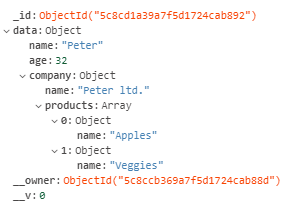
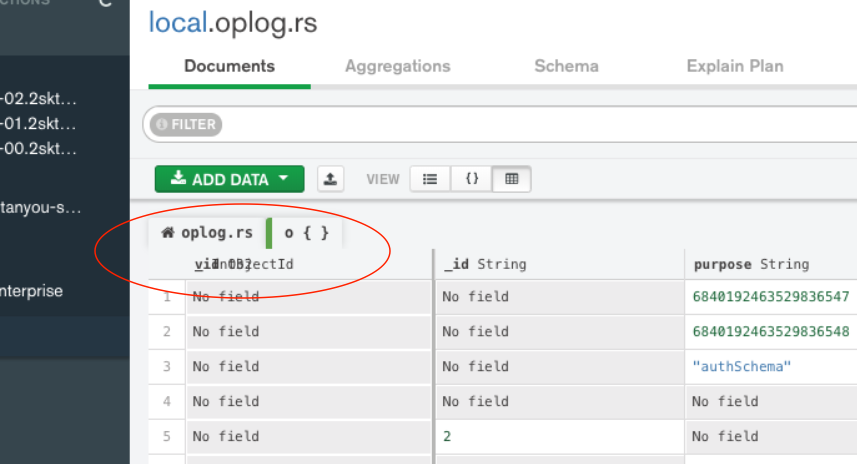
In the list view, when expanding on a nested object,
The row with column titles is overlapping the first column of the nested object with the column of the root object.
There fore the titles row and the content row are missmatching.
also the last column end up with no column heading.
See attached images for better understanding.
—
The heading row rendering needs to be fixed to stay in the correct location.
Technically the heading rows children have to be adjusted to behave just like the data columns as those are functioning correctly.



- is duplicated by
-
-

- Closed
-
-
-
- Closed
-