-
Type:
Improvement
-
Resolution: Duplicate
-
Priority:
 Major - P3
-
None
-
Affects Version/s: None
-
Component/s: None
-
None
-
Fully Compatible
-
Performance E (01/11/16), Performance F (02/01/16)
-
None
-
None
-
None
-
None
-
None
-
None
-
None
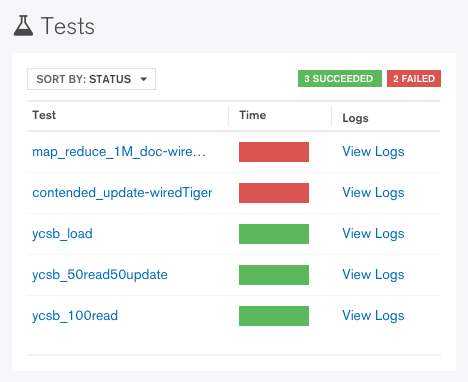
For all performance tests in projects (mongo perf, system performance and longevity), the "View Logs" links on the top right corner return "404 page not found".
It would be very helpful to have those links show some more information on why a test is marked failed. Currently a test can fail due to comparison against 1) last commit, 2) 7-days ago or 3) baseline. Being able to know which was the case without having to go through the entire log would be very nice.
One of the most straightforward things to do is to have all links pointing to the output from analysis script. It would be nice to have some way to differentiate individual tests but this is definitely a good starting point.